inkVisioninkVision

Product manuals

Manuals for inkVision products

Browse the current setup and integration manuals for supported products. Customers can use the direct manual links we provide, while this page stays as the central index.

Current setup status

Atmos can be set up in the HomeBrainz Hub app or from a browser, then added to Home Assistant. inkVision® Voice is set up from the Home Assistant app.

App setup available
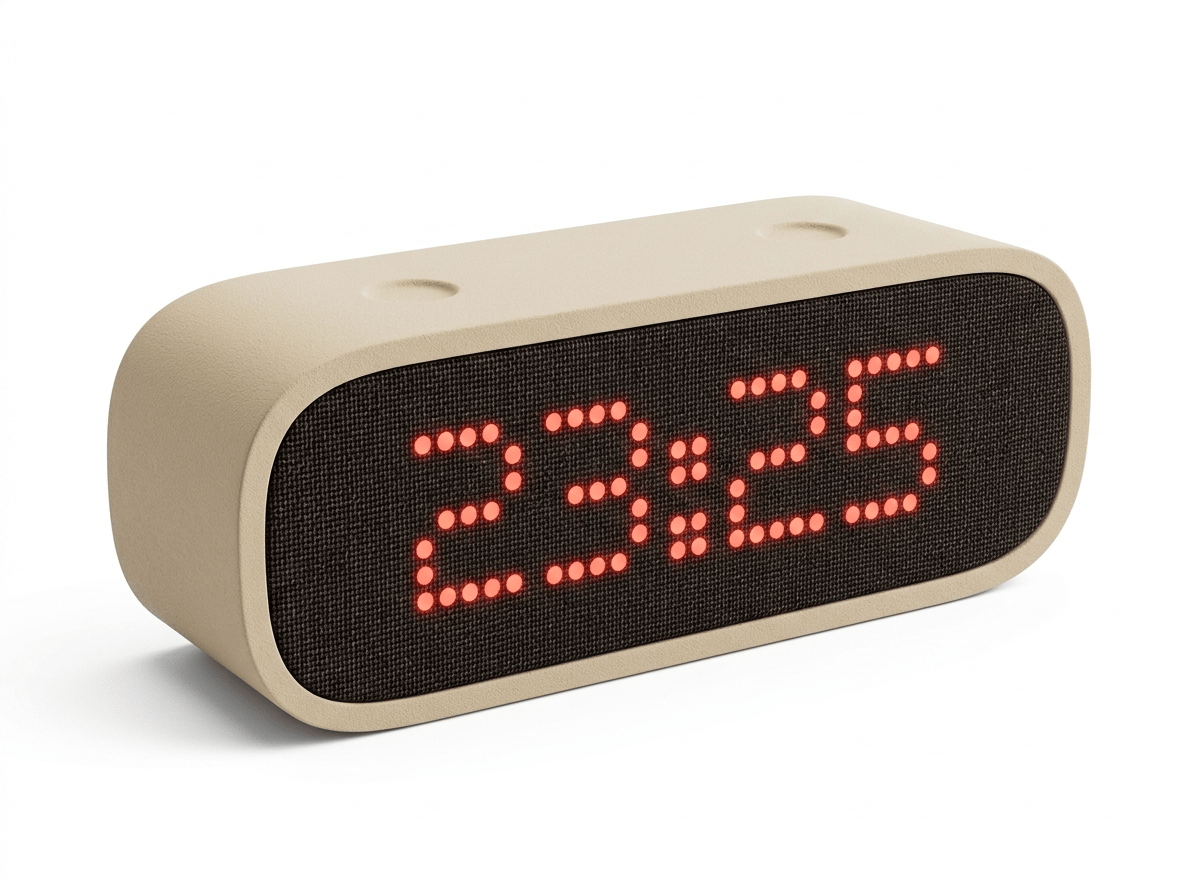
Product image for inkVision® Atmos Smart Clock

Available manuals

inkVision® Atmos Smart Clock

Manuals for setting up Atmos Smart Clock on Wi-Fi, in the app or a browser, and connecting it to Home Assistant.

View product

Connect to Wi-Fi with AP mode

Browser-based setup through the device's temporary `inkVision-XXXXXX` network and local setup page.

AvailableOpen manual

Connect to Wi-Fi with the mobile app

Set up Atmos and add it to your home in the HomeBrainz Hub app on Android or iPhone.

AvailableOpen manual

Connect to Home Assistant

Install the inkVision Home Assistant integration and add the device on your local network.

AvailableOpen manual
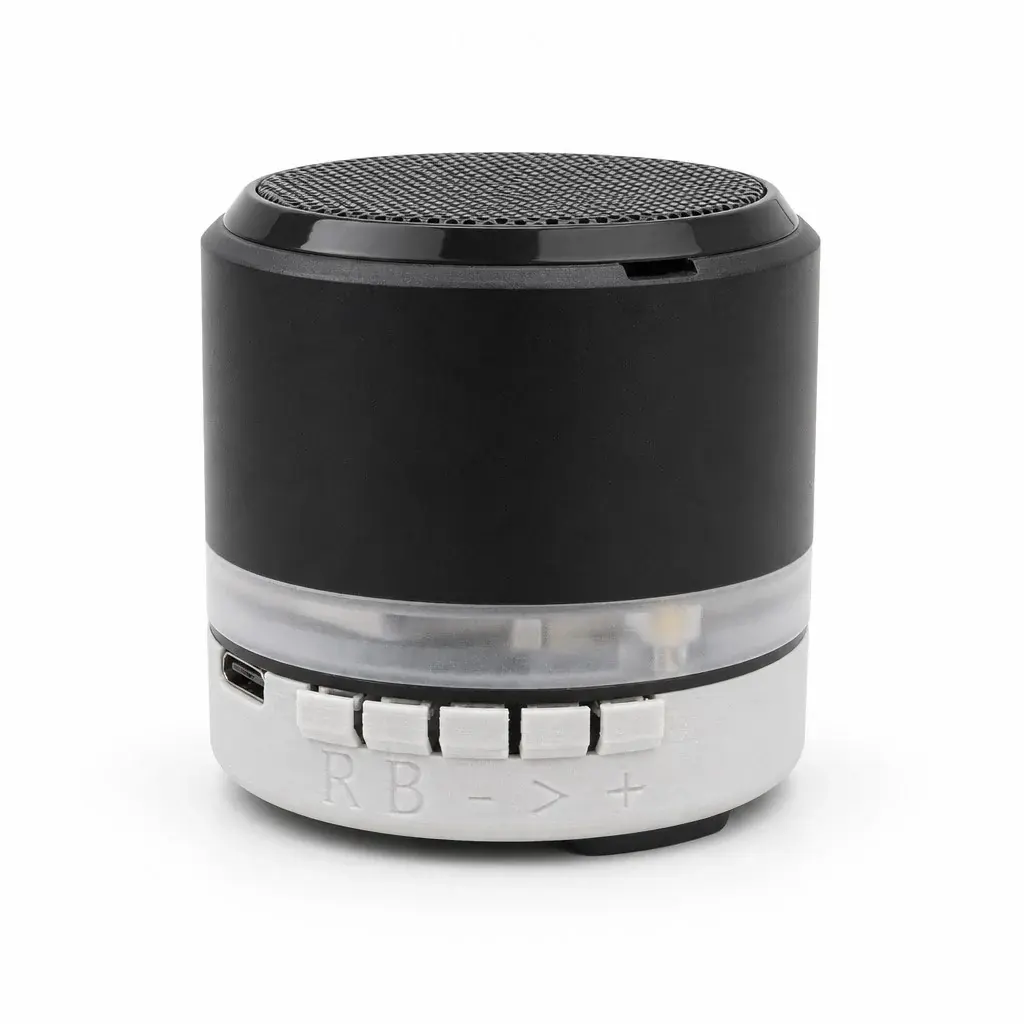
Product image for inkVision® Voice and Voice Plus

Available manuals

inkVision® Voice and Voice Plus

Setting up inkVision® Voice and Voice Plus with Home Assistant and using them every day.

View product

Set up inkVision Voice

Connect it to Wi-Fi from the Home Assistant app over Bluetooth and add it to Home Assistant.

AvailableOpen manual

Use inkVision Voice

Wake words, buttons, timers, music, mute, the climate sensor (Voice Plus), the LED ring and factory reset.

AvailableOpen manual

Publishing format

These manuals are published directly as website pages with stable URLs. That keeps them easy to share with customers now, while still leaving room to add PDF downloads or a richer printable format later without changing the manuals index structure.