inkVision
What makes inkVision® Atmos a smart clock?
inkVision® Atmos combines a time display, environmental sensors, a speaker, and smart home connectivity in one device. It is designed as a smart clock rather than a basic digital clock.
Your room at a glance.
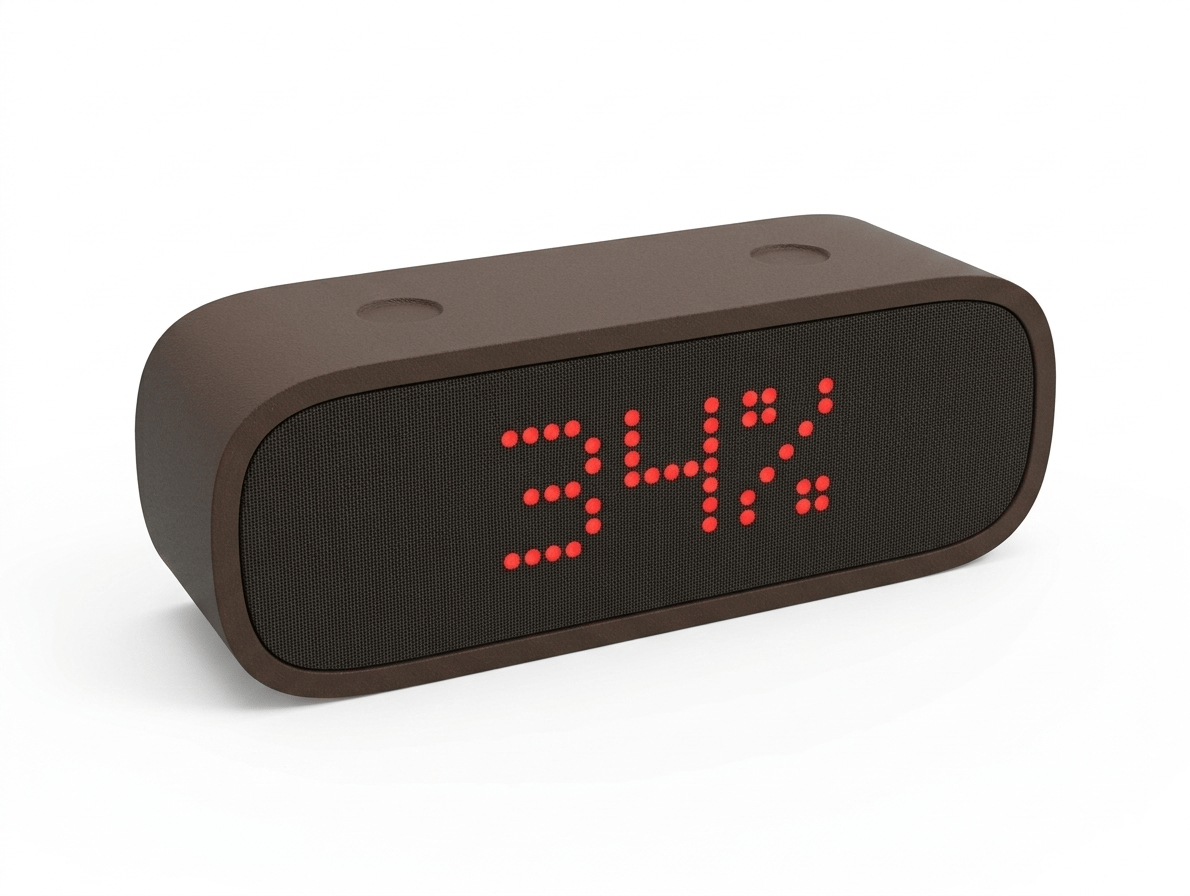
Time, air quality, and indoor climate on a clear LED display, in a body that brings a touch of wood to your bedside or desk.
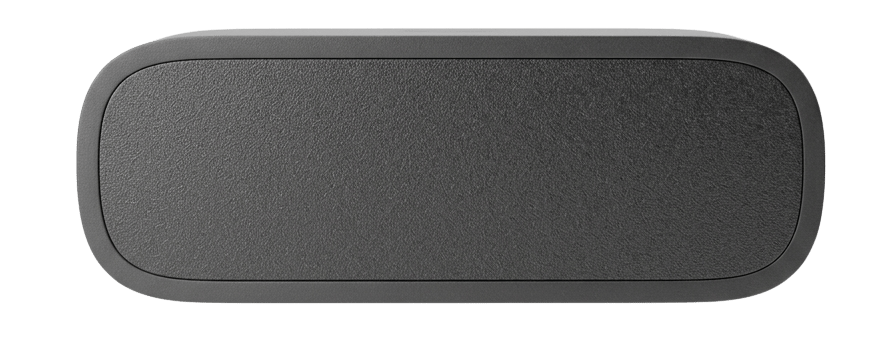
Showcase animation only — the real product may slightly differ.
Live sensor preview
Move across the inputs to inspect short-term trends.
Every detail designed with purpose.
Full Home Assistant support with flexible setup, including optional local network connection.
A recycled composite body with around 40% wood content. It looks and smells similar to wood and brings warmth to your bedside or desk.
The BME68X sensor measures temperature, humidity and pressure and rates indoor air as an air quality index (IAQ), with an estimated CO₂ equivalent and breath VOC level. You see every value in Home Assistant and the HomeBrainz Hub app.
Set up Atmos in the HomeBrainz Hub app on Android or iPhone, or from any browser through the local setup page.
The built-in speaker plays music, internet radio, and spoken announcements, with native compatibility for Home Assistant and Music Assistant.
Install firmware updates directly in Home Assistant or in the built-in device dashboard.
Smart clock
inkVision® Atmos combines a clear clock display with smart home features in one compact device. It is built for people who want a bedside or desk clock that does more than tell the time, while still fitting naturally into the room.
Alongside the time, Atmos shows air quality, temperature, humidity, and pressure in a form that is easy to check at a glance. Home Assistant and the HomeBrainz Hub app add an estimated CO₂ equivalent and breath VOC level. That makes it relevant for buyers comparing devices such as a smart clock, an air quality sensor for the bedroom, or a smart clock for Home Assistant.
inkVision® Atmos combines a time display, environmental sensors, a speaker, and smart home connectivity in one device. It is designed as a smart clock rather than a basic digital clock.
Yes. Atmos uses a BME68X gas sensor with Bosch's air quality algorithm and shows the result on the display as an air quality index (IAQ). Home Assistant and the HomeBrainz Hub app also show the static IAQ, an estimated CO₂ equivalent and breath VOC level in ppm, and the IAQ accuracy. The CO₂ value is calculated from the gas reading, not measured by a dedicated CO₂ sensor. The sensor calibrates itself during the first hours to days of use, and the IAQ accuracy rises from 0 to 3 as it does.
Yes. inkVision® Atmos is built with Home Assistant support, so it fits users looking for a smart clock connected to a broader Home Assistant setup.
The easiest way is the HomeBrainz Hub app: select Add Device, pick the clock's inkVision-XXXXXX setup network, choose your home Wi-Fi and enter its password. Without the app, join the inkVision-XXXXXX network from a phone, tablet or computer, open http://192.168.4.1 in a browser (devices with older firmware use http://192.168.1.1), enter your Wi-Fi name and password and select Save WiFi. Both step-by-step guides are linked below.
Install the inkVision integration through HACS (as a custom repository) or manually and restart Home Assistant. Then open Settings > Devices & Services > Add Integration and search for inkVision. If Atmos is not discovered automatically, enter its IP address manually. Home Assistant then adds sensors for temperature, humidity, pressure, Wi-Fi signal and air quality (IAQ, static IAQ, CO₂ equivalent, breath VOC and IAQ accuracy), plus brightness, timezone, screen rotation and firmware update controls.
The speaker is controlled from Home Assistant as a media player and works with Music Assistant. If the speaker or media player controls are missing or not responding, reload the inkVision integration, restart Atmos once, and check the device dashboard at http://DEVICE_IP/ for a firmware update. If the problem persists, write to us at info@homebrainz.eu.
Firmware updates can be checked and installed directly in Home Assistant or in the built-in inkVision Device Dashboard at http://DEVICE_IP/. There is also a dedicated page at /ota for uploading a local firmware file.
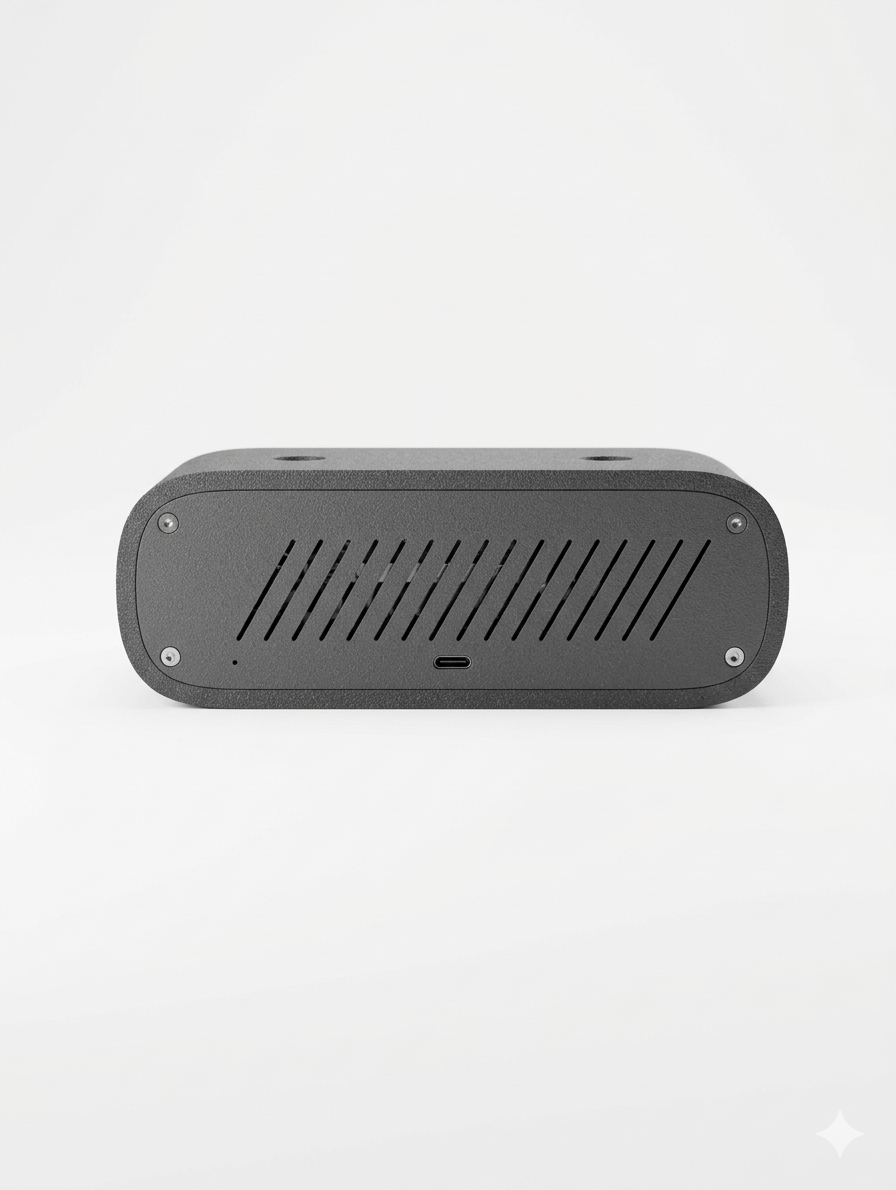
Atmos is powered over USB-C (5 V) and the cable is included. It measures 170 × 53 × 60 mm, weighs 280 g and comes in Black Oak and Light Oak.
Yes. Set it up in the HomeBrainz Hub app on Android or iPhone, and you can see its readings and change the brightness, timezone and screen rotation from your phone. Home Assistant is optional.
See the inkVision® Atmos Smart Clock in its element.
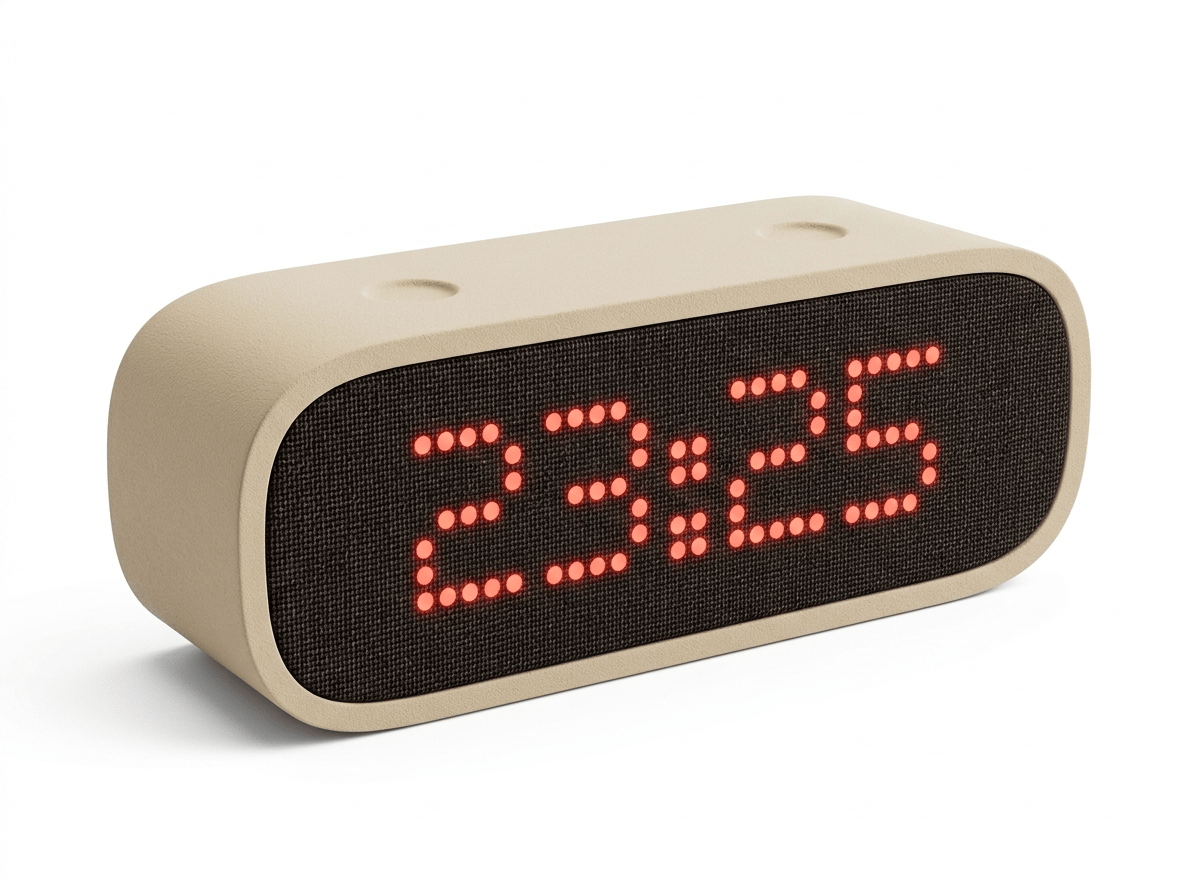
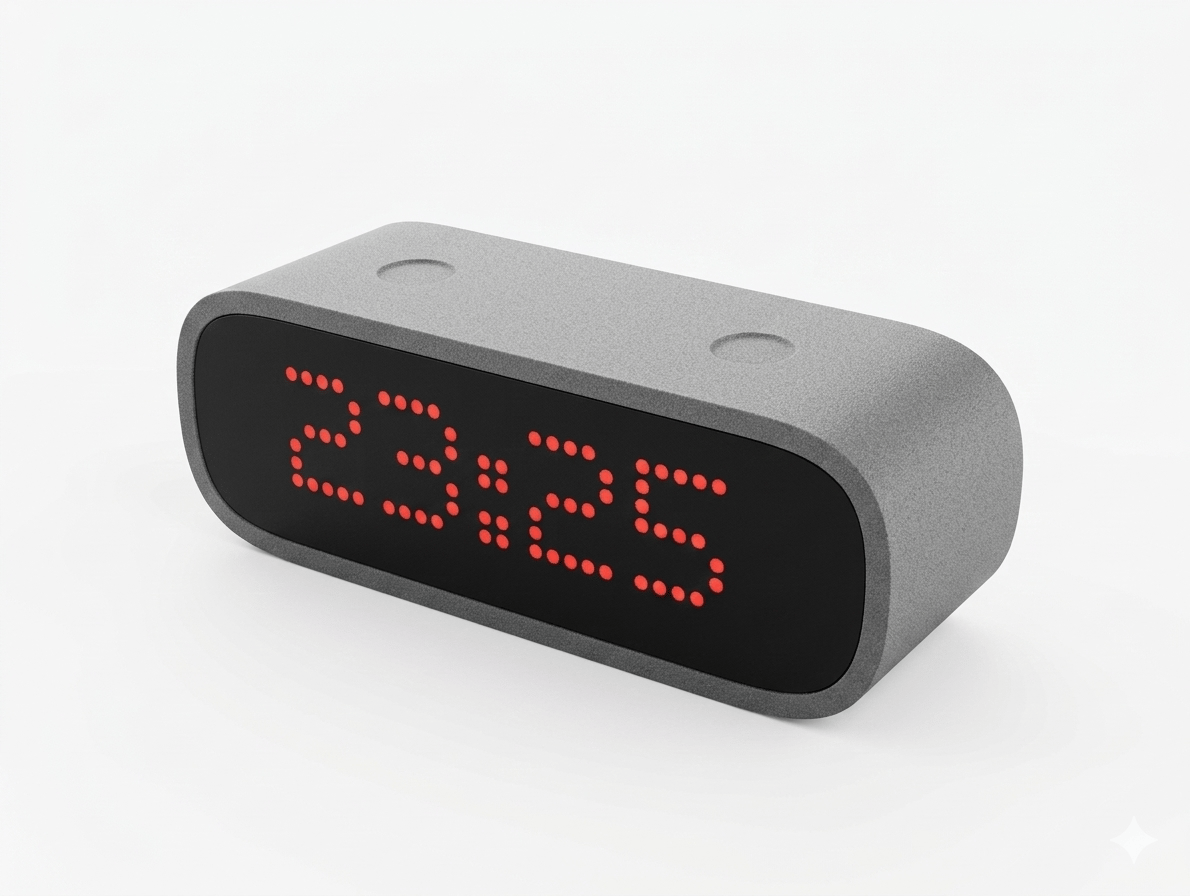
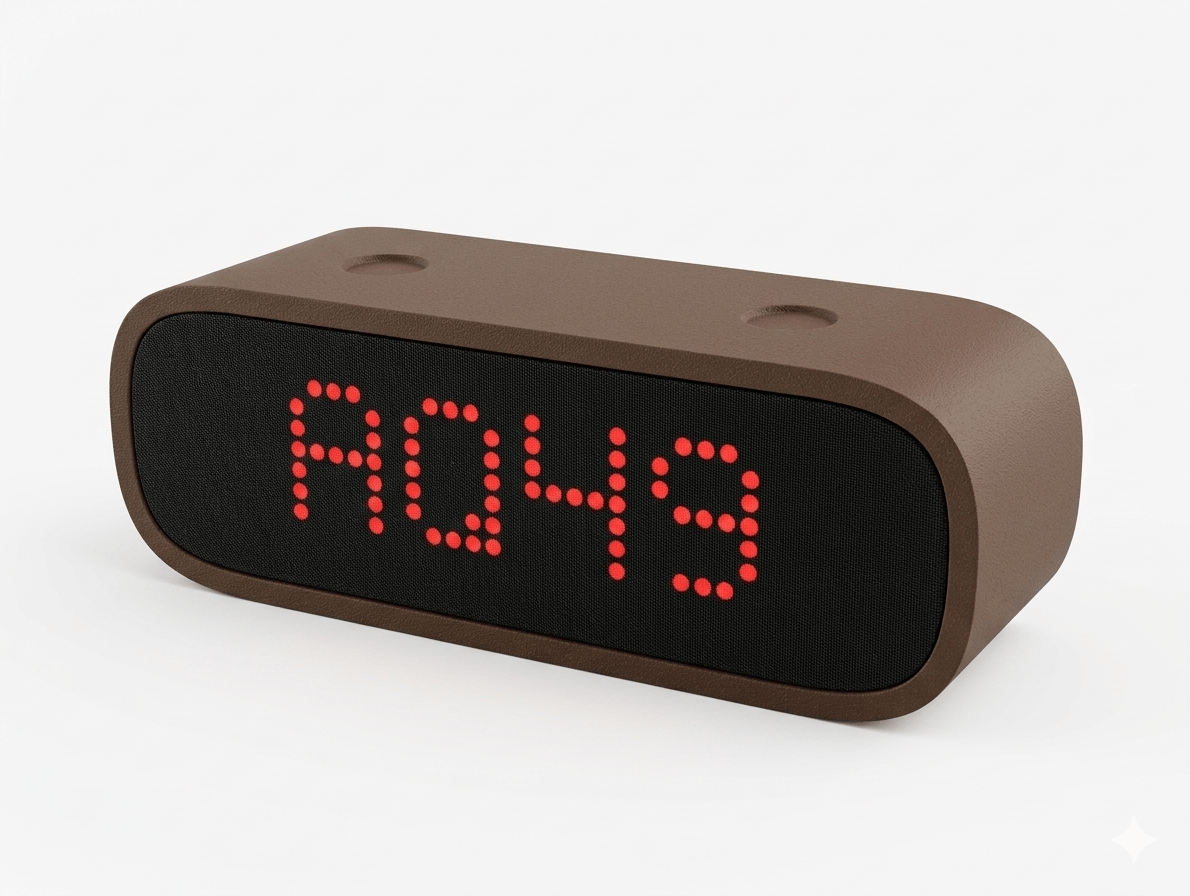
The details that matter.
Atmos receives new firmware over the air, without cables or tools.
New firmware versions are released as development continues. You install them over Wi-Fi in a few clicks:
The inkVision® Atmos Smart Clock by HomeBrainz is available now.