inkVision
What makes inkVision® Atmos a smart alarm clock?
inkVision® Atmos combines alarm functions, a bedside time display, speaker features, and smart home connectivity in one device. It is designed as a smart alarm clock rather than a basic digital clock.
Wake up smarter.
Intelligent design meets effortless mornings. A new standard in waking up.
59,90 EUR
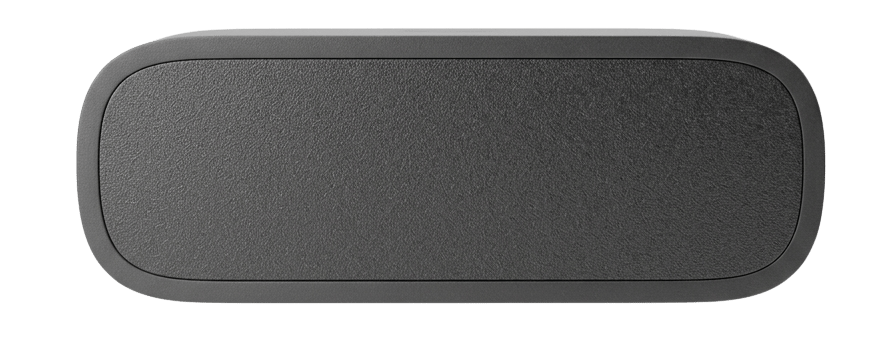
Showcase animation only — the real product may slightly differ.
Live sensor preview
Move across the inputs to inspect short-term trends.
Every detail designed with purpose.
Full Home Assistant support with flexible setup, including optional local network connection.
Timeless wooden casing that brings warmth and nature to your bedside.
Uses the BME68X environmental sensor, supporting temperature, humidity, barometric pressure, and gas detection.
Connect through the local setup page and get Atmos onto your home Wi-Fi in a few steps.
Atmos doubles as both an alarm and a music player, with native compatibility for Home Assistant and Music Assistant.
Install firmware updates directly in Home Assistant to keep Atmos improving over time.
Smart alarm clock
inkVision® Atmos combines bedside clock functions with smart home features in one compact device. It is built for people looking for a smart alarm clock that does more than wake them up, while still fitting naturally into a bedroom.
Alongside time and alarms, Atmos surfaces air quality, temperature, humidity, and pressure data in a form that is easy to check at a glance. That makes it relevant for buyers comparing devices such as a smart alarm clock, air quality sensor for bedroom use, or a Home Assistant bedside clock.
inkVision® Atmos combines alarm functions, a bedside time display, speaker features, and smart home connectivity in one device. It is designed as a smart alarm clock rather than a basic digital clock.
Atmos uses environmental sensing to show air quality, temperature, humidity, and pressure information directly on the device. That makes it useful for people who want a bedside clock with air quality and indoor climate visibility.
Yes. inkVision® Atmos is built with Home Assistant support, so it fits users looking for a Home Assistant alarm clock or a bedside smart clock connected to a broader smart home setup.
In setup mode, Atmos creates a temporary Wi-Fi network named inkVision-XXXXXX. Join it from your phone, tablet or computer, open http://192.168.1.1 in a browser, enter your home Wi-Fi name and password and select Save WiFi. The clock restarts and joins your home network. The full step-by-step guide is linked below.
Install the HomeBrainz integration through HACS (as a custom repository) or manually and restart Home Assistant. Then open Settings > Devices & Services > Add Integration and search for HomeBrainz. If Atmos is not discovered automatically, enter its IP address manually. Home Assistant then adds sensors for temperature, humidity, pressure, Wi-Fi signal and air quality, plus brightness, timezone, screen rotation and firmware update controls.
The speaker is controlled from Home Assistant as a media player and works with Music Assistant. If the speaker or media player controls are missing or not responding, reload the HomeBrainz integration, restart Atmos once, and check the device dashboard at http://DEVICE_IP/ for a firmware update. If the problem persists, write to us at info@homebrainz.eu.
Firmware updates can be checked and installed directly in Home Assistant or in the built-in inkVision Device Dashboard at http://DEVICE_IP/. There is also a dedicated page at /ota for uploading a local firmware file.
Atmos is powered over USB-C (5 V) and the cable is included. It measures 170 × 53 × 60 mm, weighs 280 g and comes in Black Oak and Bright Linen.
See the inkVision® Atmos Smart Clock in its element.
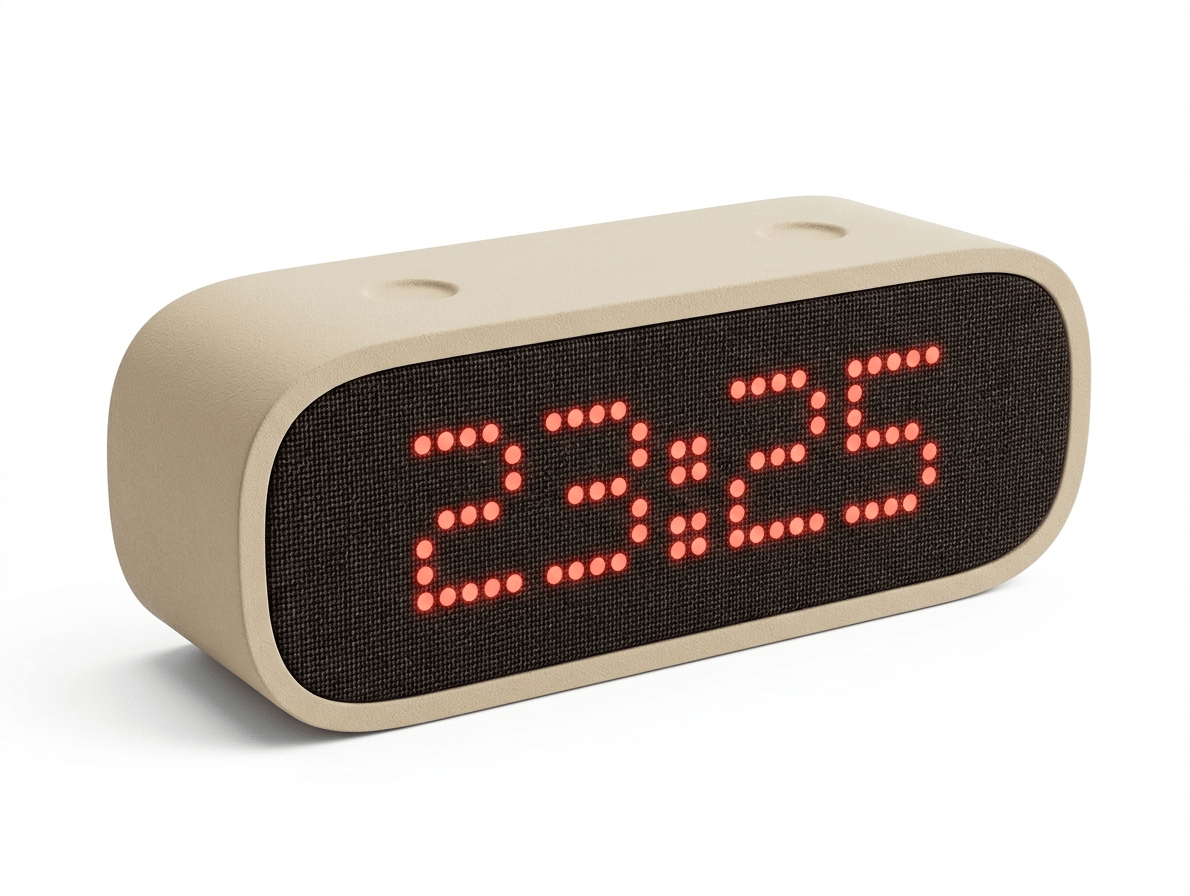
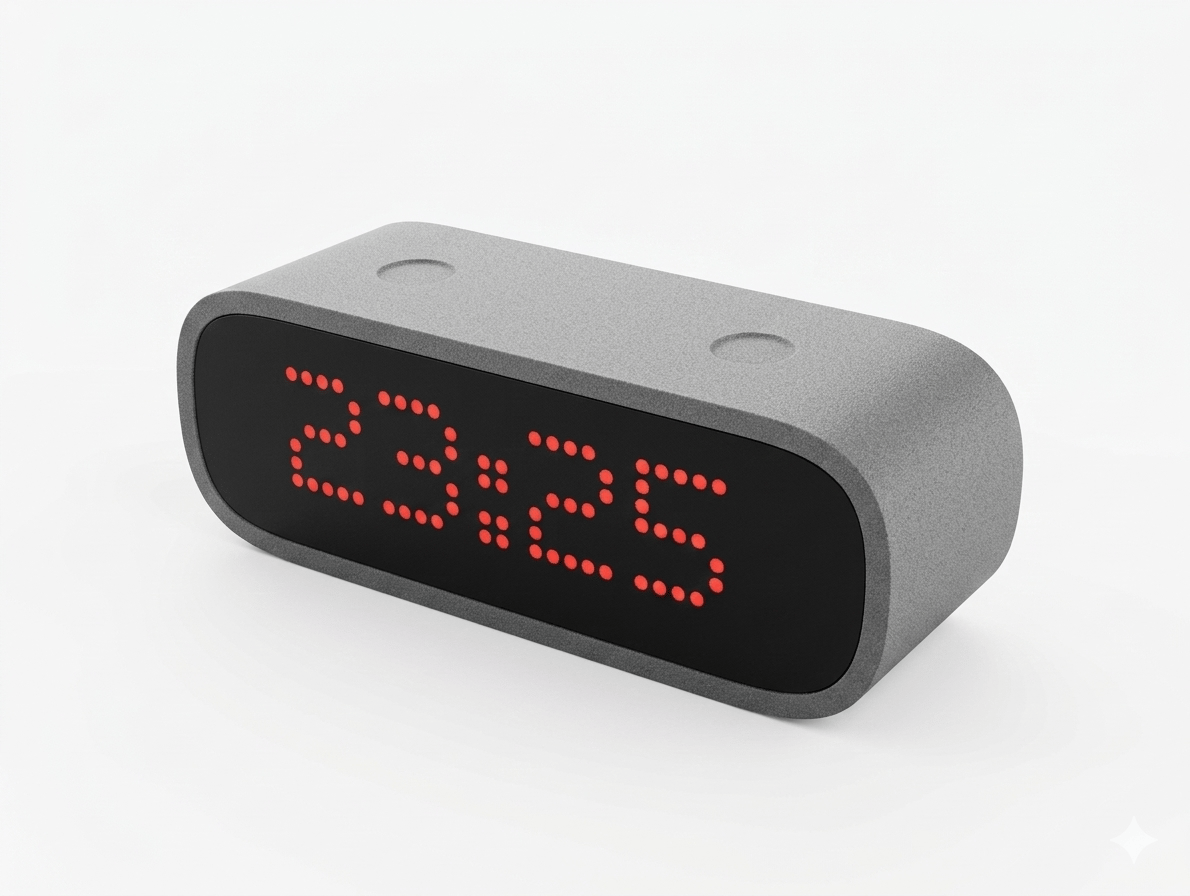
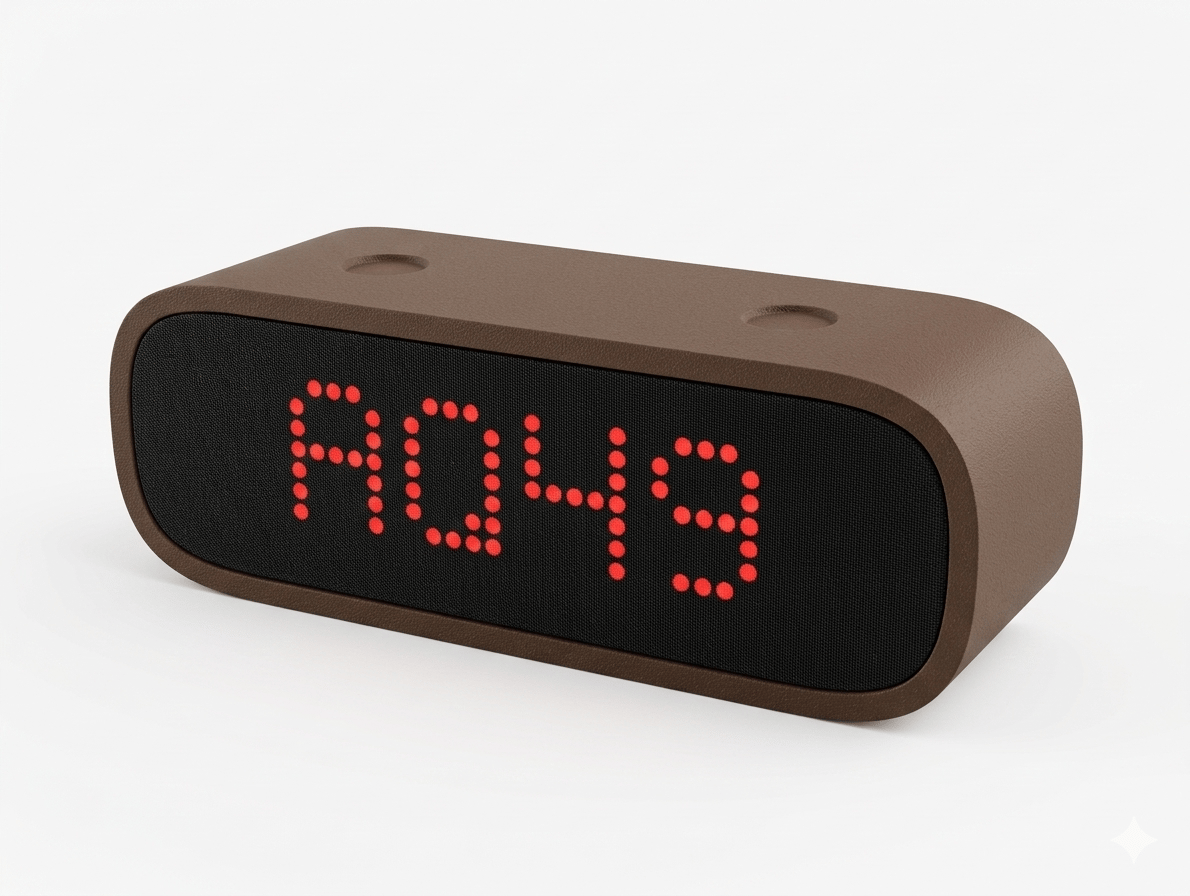
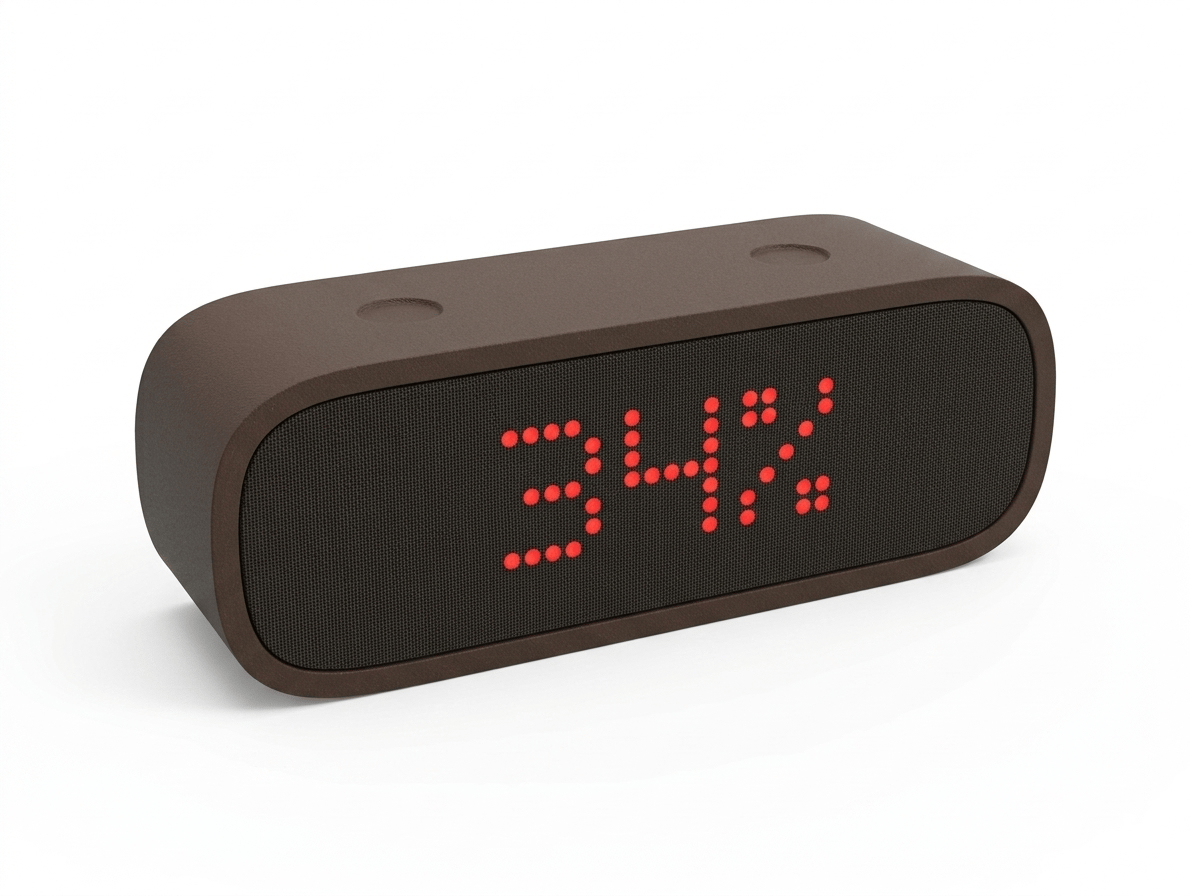
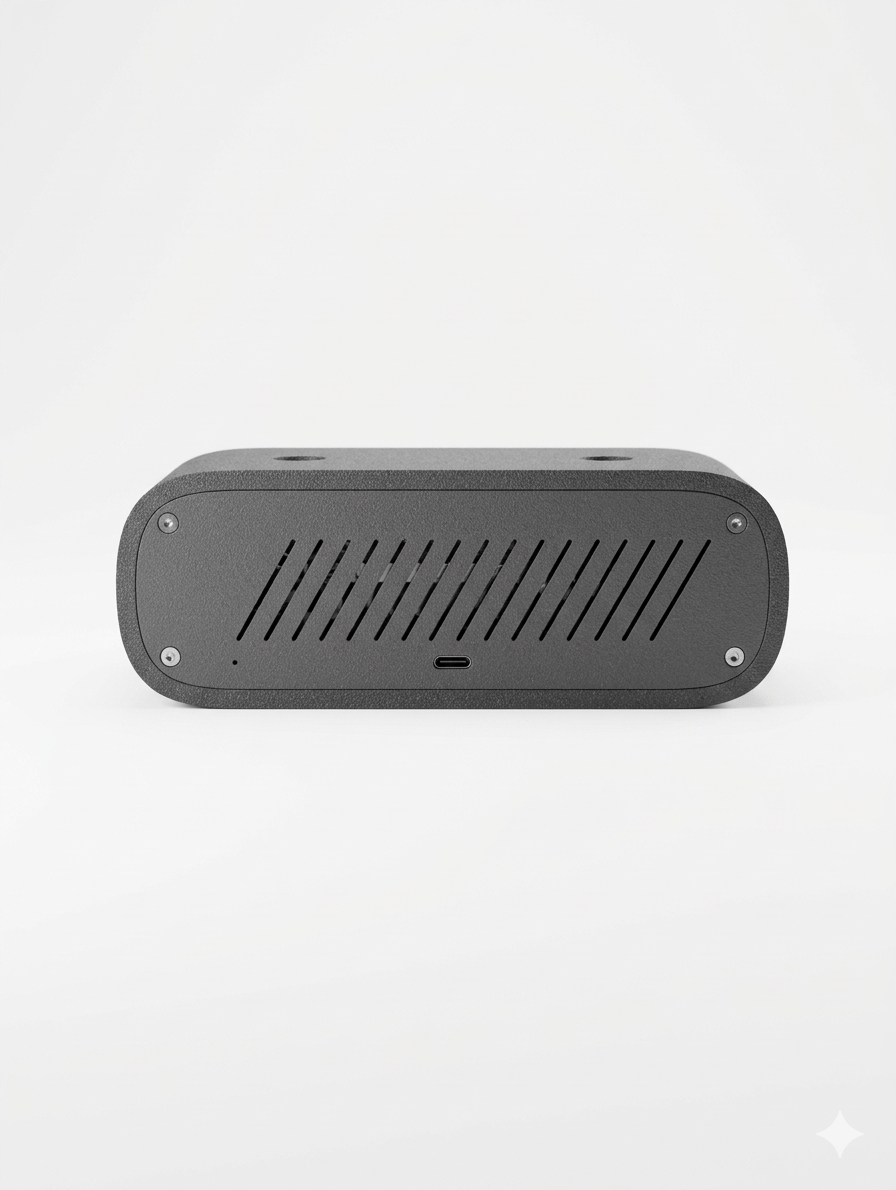
The details that matter.
inkVision Atmos Smart Clock is designed to keep improving over time.
We are preparing software OTA updates that you will be able to install through Home Assistant and future supported management tools, expanding what your device can do over time.
The inkVision® Atmos Smart Clock by HomeBrainz is available now.