 inkVision
What do I need to use inkVision® Voice?
Home Assistant with a voice assistant (Assist) pipeline and a 2.4 GHz Wi-Fi network. The speaker connects through the standard ESPHome integration, with no extra add-on.
Just say the word.
A compact speaker with two microphones and its own wake word. Control your home, set timers, and play music, with speech processed locally or in the cloud, as you choose.
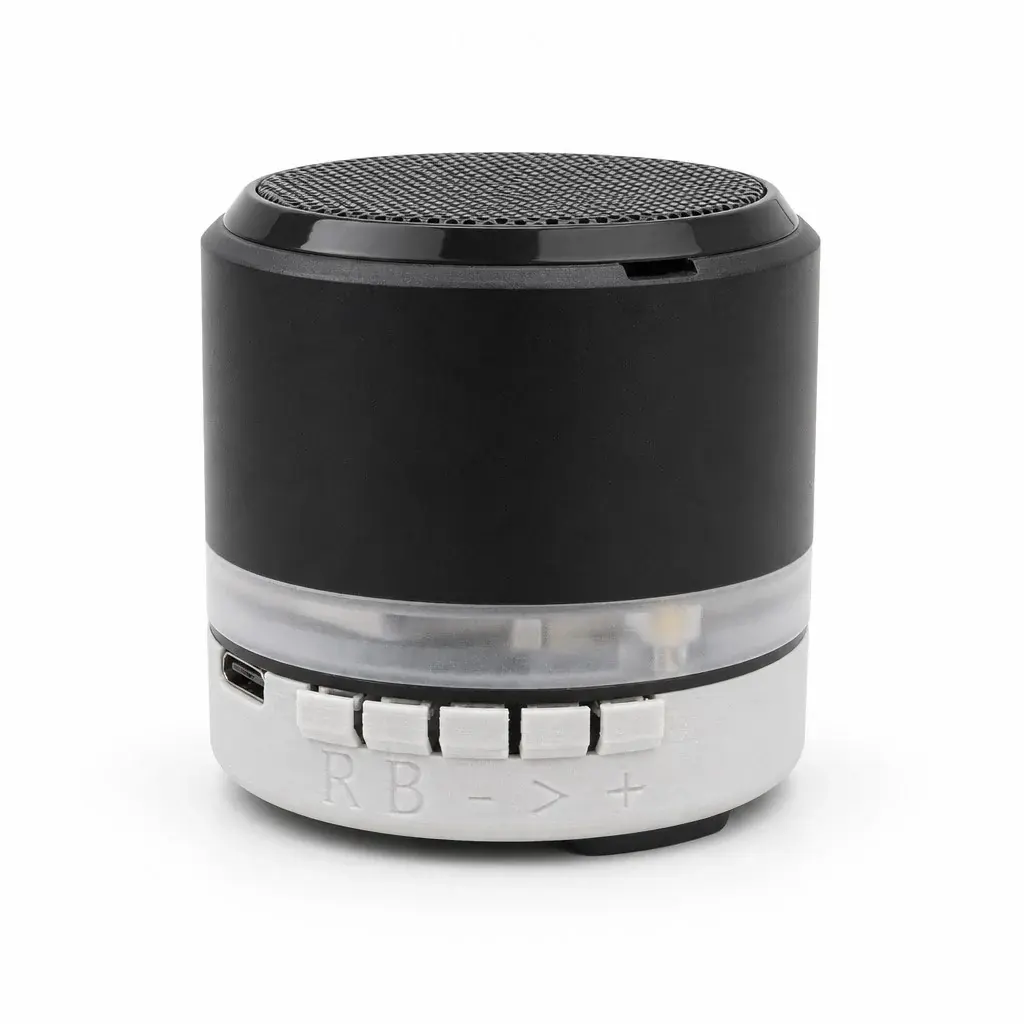
A small speaker that listens when you need it.
Say “Hey Vizzy”, or use the standard Okay Nabu, Hey Jarvis, and Hey Mycroft. The wake word is detected on the device, and you pick it in Home Assistant.
Anything Home Assistant Assist understands, from “turn off the living room” to questions answered by the AI agent you choose.
The LED ring counts down and an alarm rings when the timer ends. Just say “stop” to silence it, no wake word needed.
It appears as a media player in Home Assistant and Music Assistant, with 48 kHz playback that lowers itself while the assistant listens or speaks.
Home Assistant finds the speaker over Bluetooth. You enter your Wi-Fi in the Home Assistant app and confirm with the play button on the device.
No HomeBrainz cloud or account. Every unit gets its own encryption key from Home Assistant, and setup is only open for 30 minutes after power-on.
Voice assistant
inkVision® Voice by HomeBrainz is a small speaker with two microphones for voice control of your smart home. Say the wake word and switch lights, ask about the weather, or set a kitchen timer. Speech recognition, intents, and spoken answers run in your Home Assistant Assist pipeline, so you decide whether they stay fully local or use a cloud service.
It connects through the standard ESPHome integration, with no extra add-on, and needs 2.4 GHz Wi-Fi. Home Assistant is open-source software maintained by the Open Home Foundation. inkVision Voice is not an official Home Assistant product.
Home Assistant with a voice assistant (Assist) pipeline and a 2.4 GHz Wi-Fi network. The speaker connects through the standard ESPHome integration, with no extra add-on.
That's your choice. Speech-to-text and text-to-speech run in your Assist pipeline, either locally (for example with Whisper and Piper) or through Home Assistant Cloud. There is no HomeBrainz cloud or account.
Hey Vizzy, Okay Nabu, Hey Jarvis, and Hey Mycroft. The wake word is detected on the device. You pick one in Home Assistant.
Home Assistant finds the speaker over Bluetooth. You enter your Wi-Fi in the Home Assistant app and confirm with the play button on the device. Setup is open for 30 minutes after power-on, and every unit gets its own encryption key.
The inkVision® Home Box or a Home Assistant Green will run Home Assistant for you.
Voice Plus adds a built-in AHT30 sensor that reports room temperature and humidity to Home Assistant. Everything else is the same: microphones, speaker, wake words, LED ring and setup.
See inkVision® Voice on a nightstand and a desk.
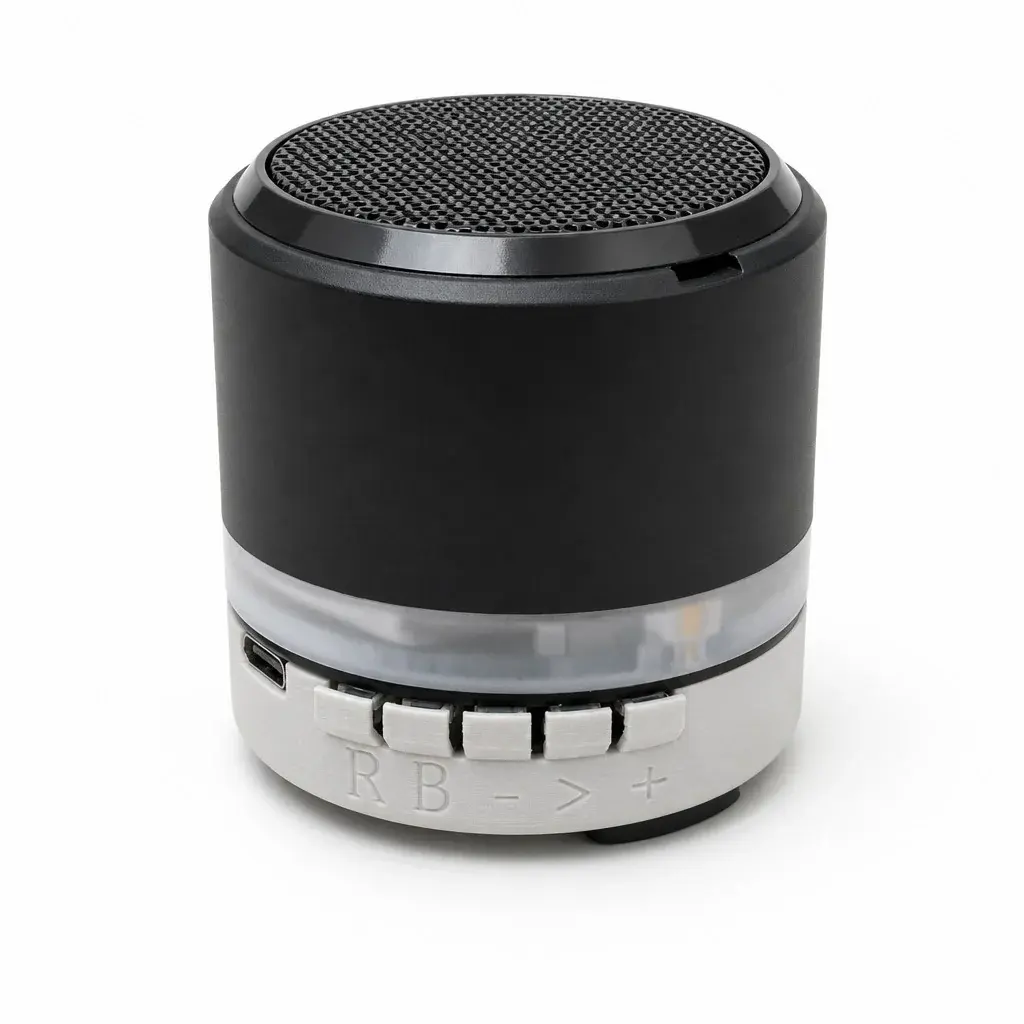
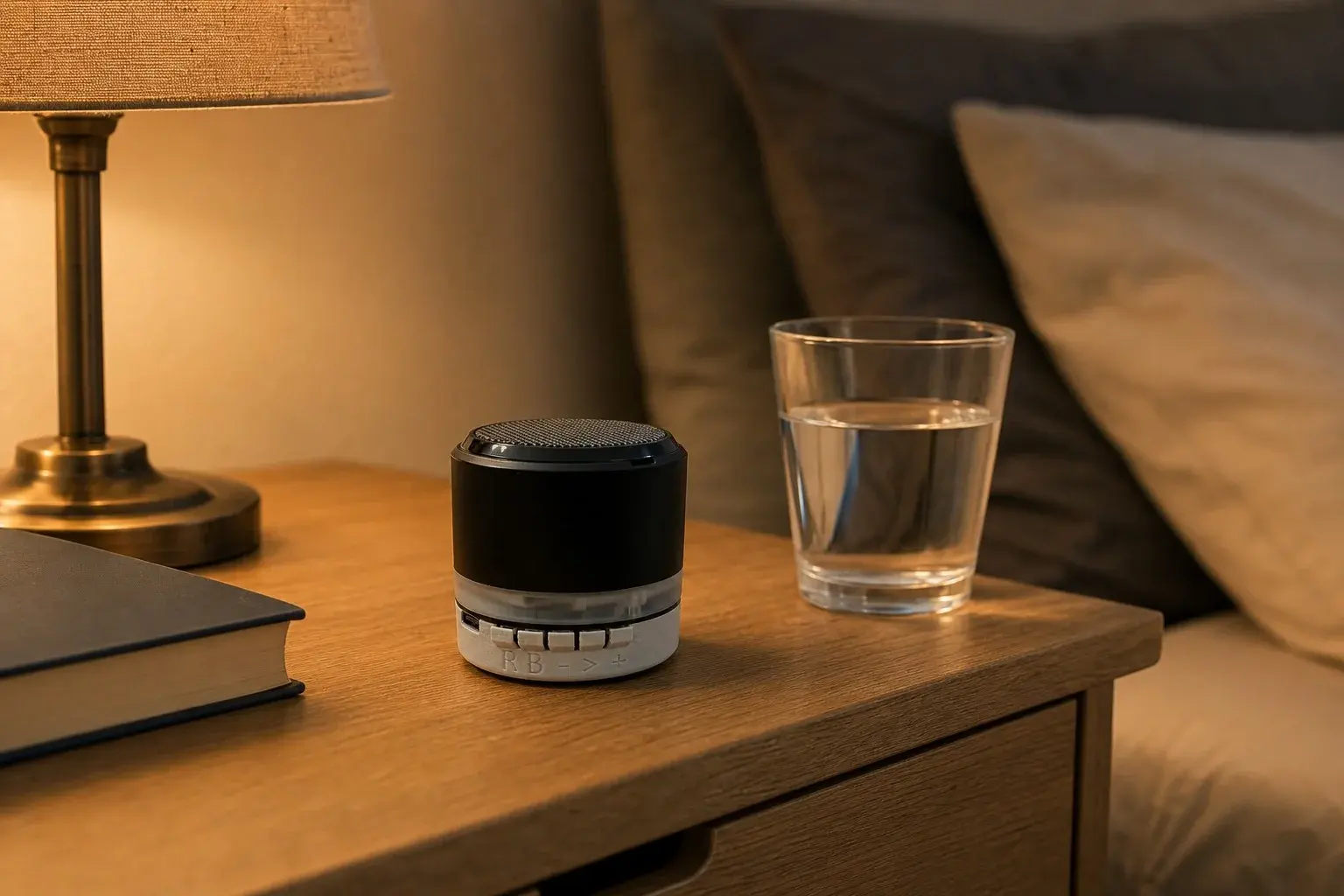
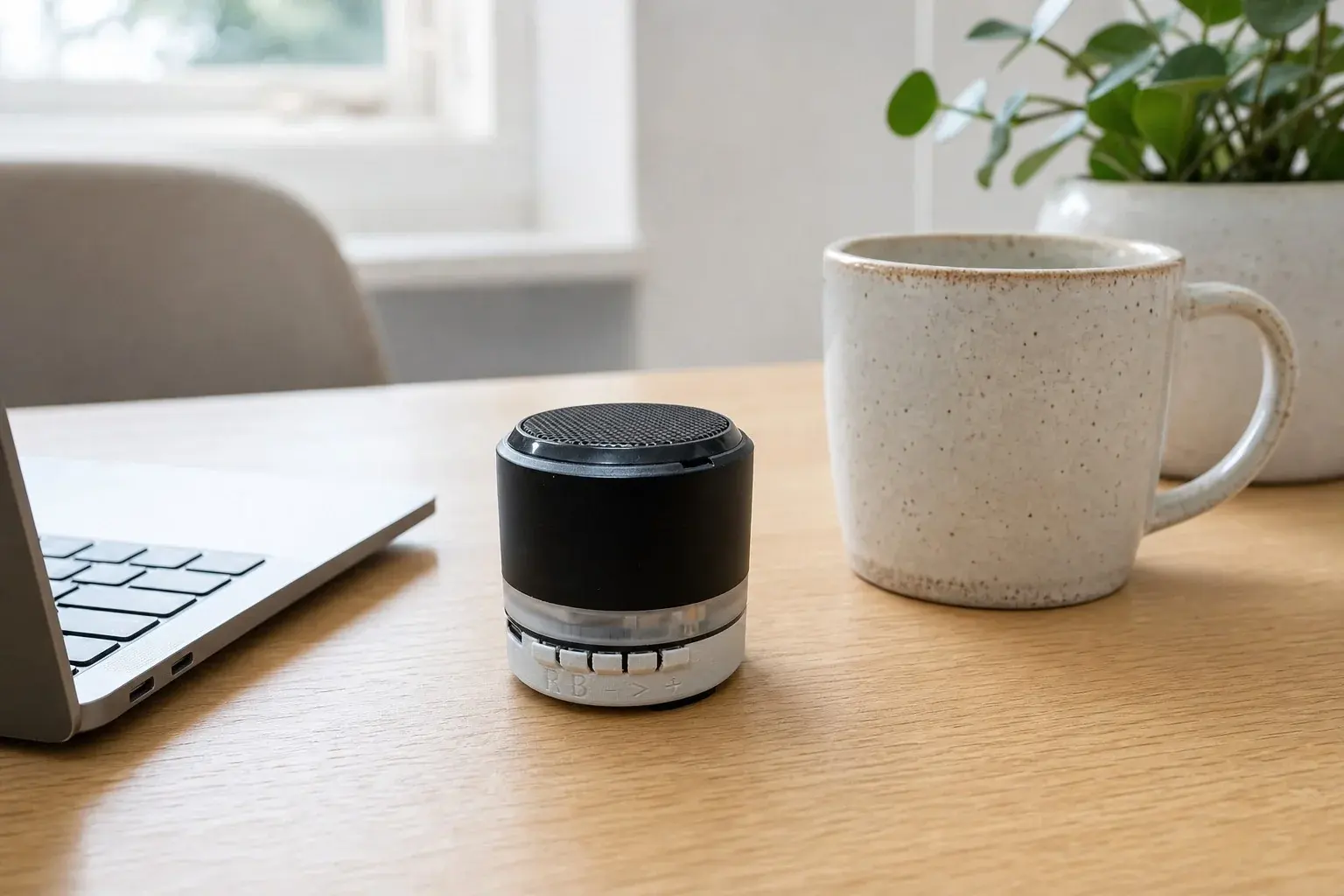
The details that matter.
inkVision® Voice by HomeBrainz is available now in the HomeBrainz Shop.
