inkVisioninkVision

Your smart home, at home.

inkVision® Home BoxSmart home server with Home Assistant installation

A compact server for your smart home. At your request, we install Home Assistant on it before shipping, so everything runs locally on your network, fast, private, and without the cloud.

inkVision® Home Box

Why inkVision® Home Box

An affordable smart home server of your own.

Installed at Your Request

By ordering, you ask us to install Home Assistant on the Home Box before shipping, as an alternative to the Home Assistant Green.

Always a Fresh Installation

We install each unit individually with the latest official Home Assistant release on the day of shipping. We never use pre-made or cloned disk images.

Your Own Account

We don't do the initial setup. You create your user account following the instructions that come with the product, and nobody else has access to your system.

No Cloud Needed

Automations and local control run on your home network, so your smart home stays fast and private and keeps working without any cloud service.

Zigbee, Z-Wave and Matter

Ethernet, Wi-Fi 6, and Bluetooth 5.4 built in. Add USB dongles for Zigbee 3.0 and Z-Wave networks; Matter devices work over your network.

Support from Us

We help you with the installation and getting it up and running.

Smart home server

A local smart home server with Home Assistant installation

inkVision® Home Box by HomeBrainz is a compact server for your smart home. At your request, we install Home Assistant on it before shipping, so you get an affordable smart home server of your own. It handles demanding automations and local control without depending on the cloud.

We install Home Assistant Supervised on Linux, which Home Assistant marks as an unsupported installation type. Home Assistant is open-source software maintained by the Open Home Foundation. The inkVision Home Box is not an official Home Assistant product.

What it's good for

  • Running your smart home locally instead of on a cloud service
  • An affordable alternative to the Home Assistant Green
  • Zigbee 3.0 and Z-Wave networks with USB dongles, and Matter over your network

Frequently asked questions about inkVision® Home Box

Why is Home Assistant installed “at my request”?

By ordering the Home Box, you ask us to install Home Assistant on it before shipping. We install each unit individually with the latest official release on the day of shipping and never use pre-made or cloned disk images.
Who sets up my Home Assistant account?

You do. We don't perform the initial setup. You create your user account following the instructions that come with the product, so nobody else has access to your system.

Does it need the cloud?

No. Everything runs locally on your home network, so your smart home stays fast and private and keeps working without any cloud service.

Can I use Zigbee, Z-Wave and Matter devices?

Yes. Add USB dongles to extend the Home Box with Zigbee 3.0 and Z-Wave networks. Matter devices work over your network.

What's in the box?

The inkVision® Home Box with Home Assistant installed at your request, a power adapter, and instructions for creating your Home Assistant account.

Small, quiet, out of the way

inkVision® Home Box fits next to your router.

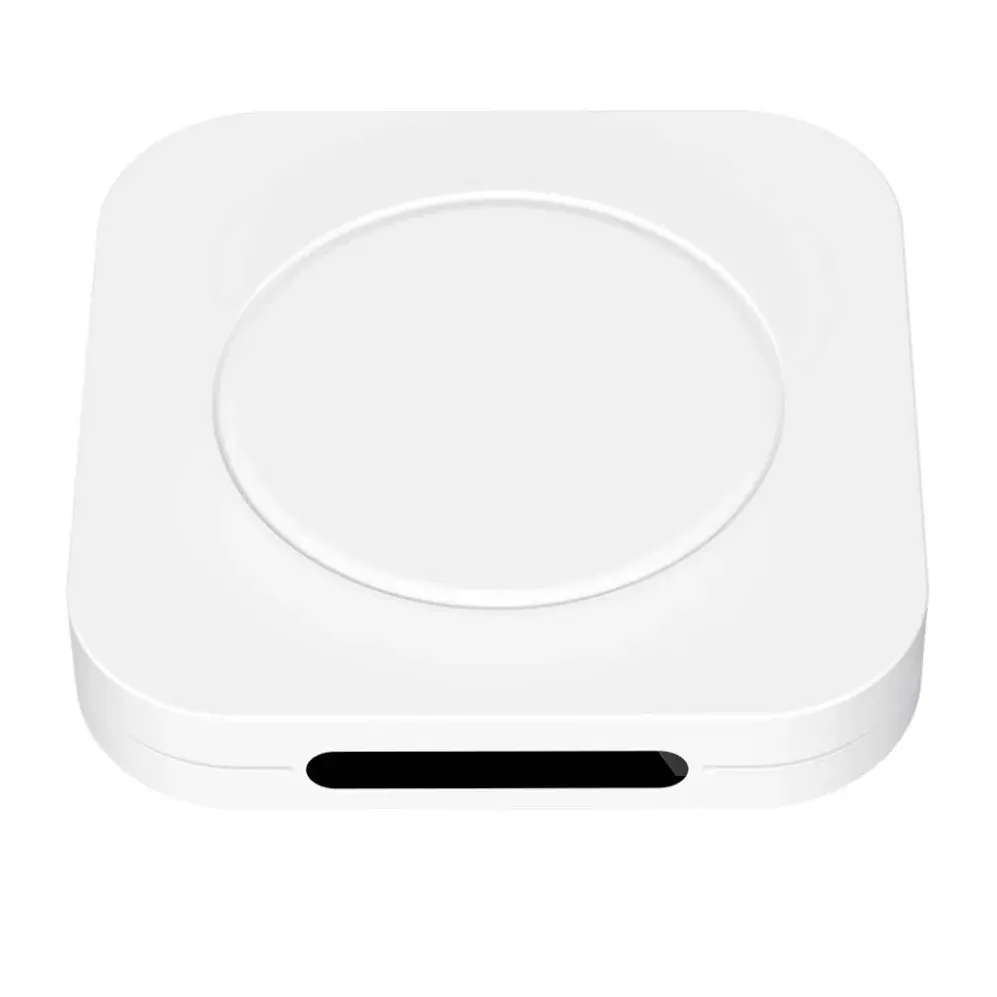
inkVision® Home Box, top view
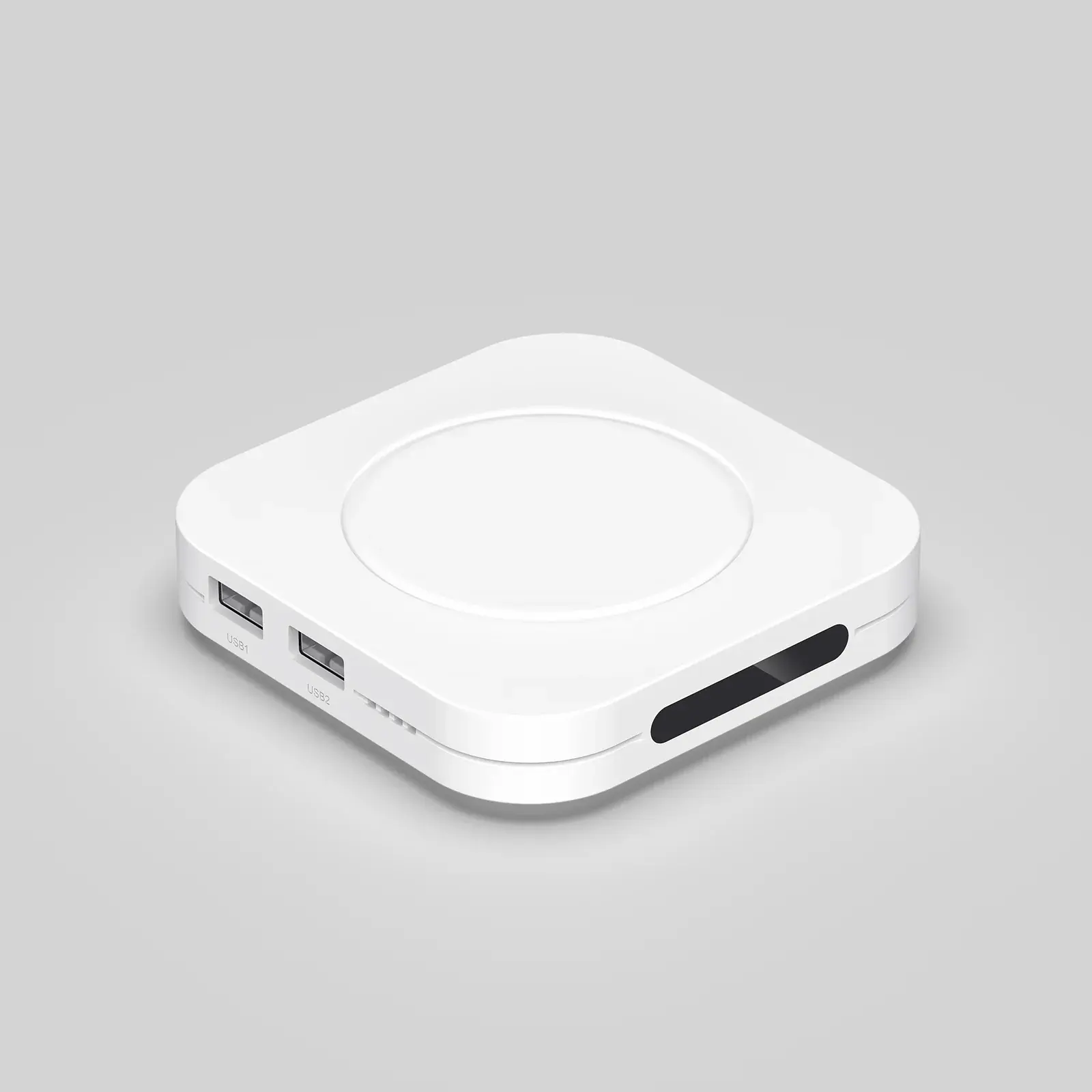
inkVision® Home Box with its USB ports
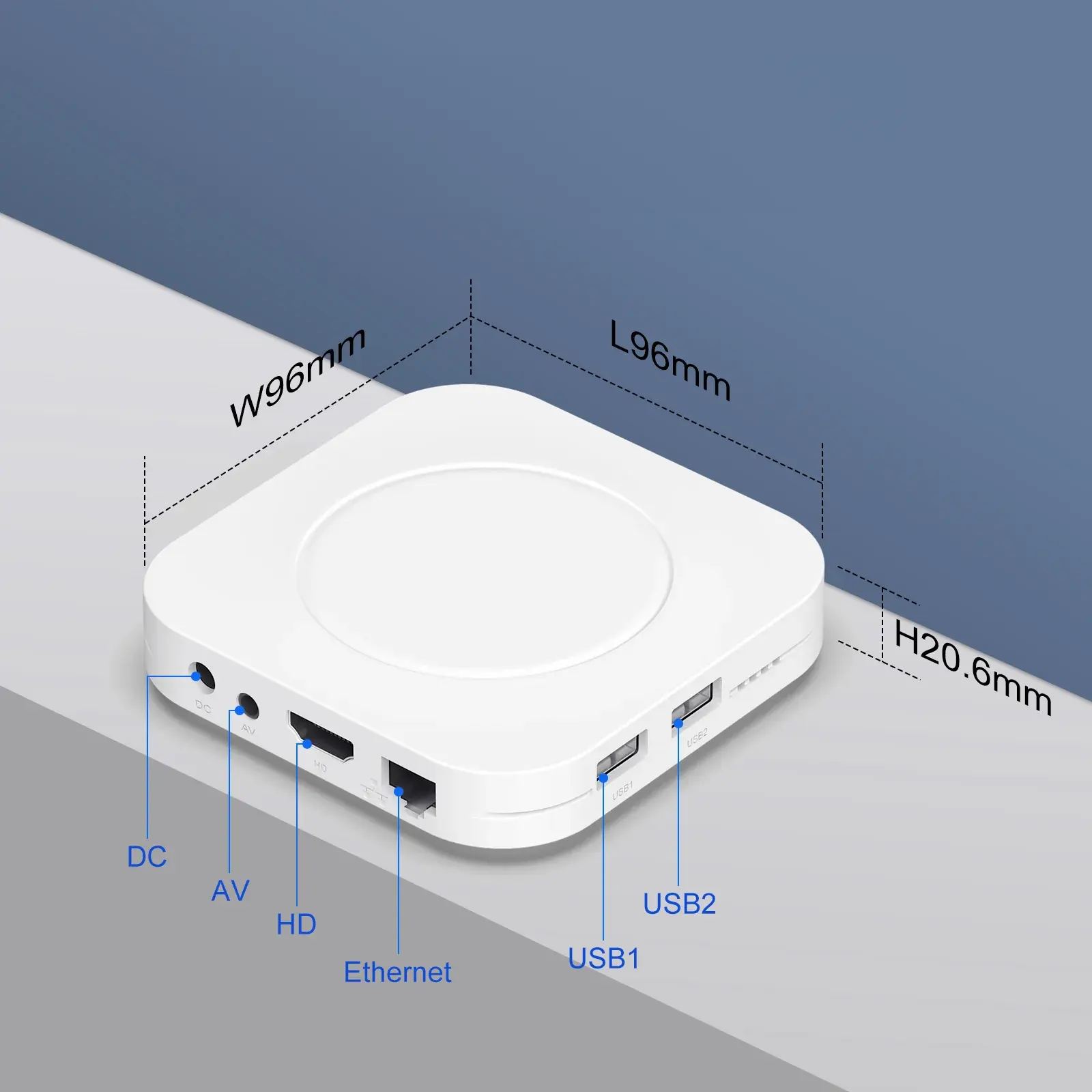
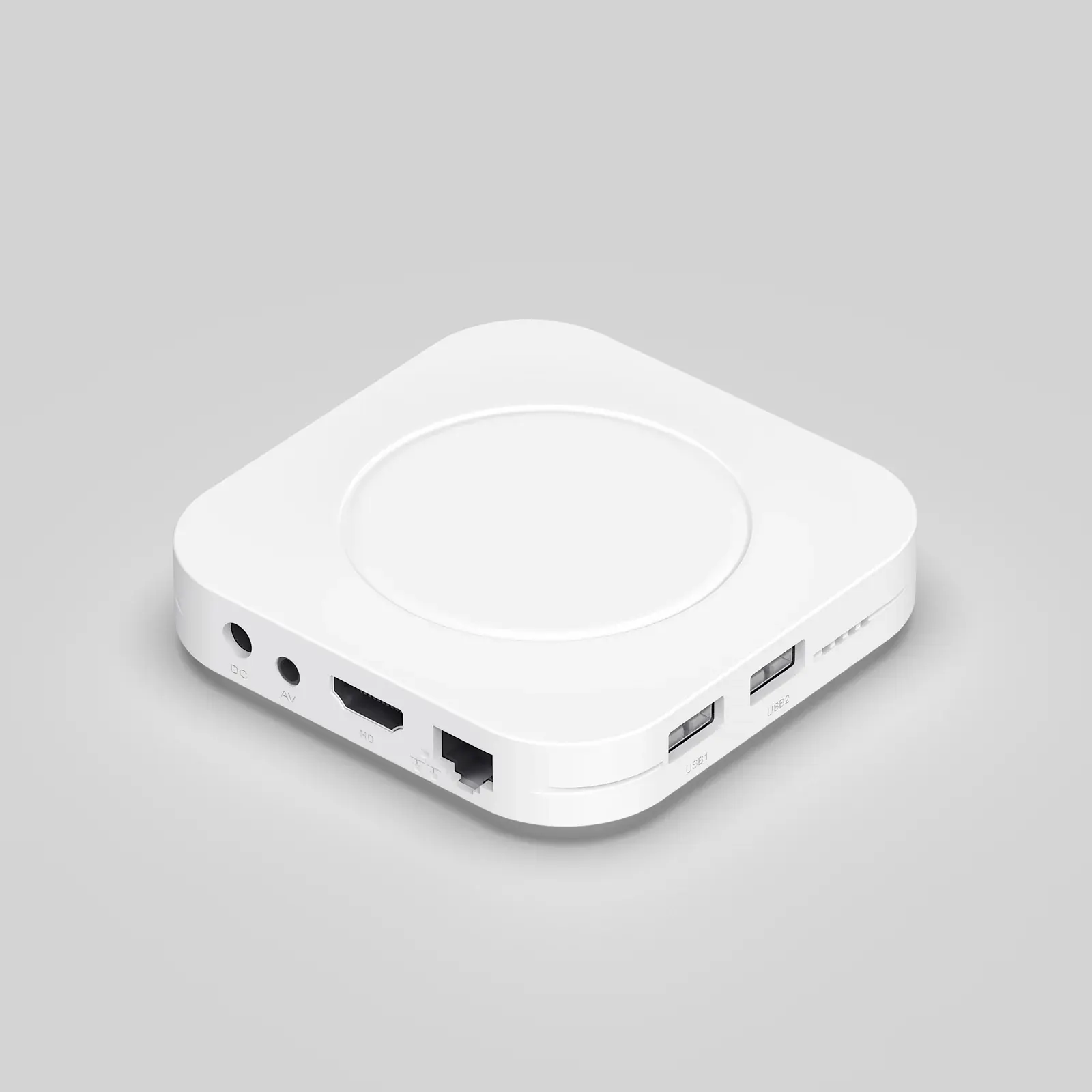
Rear ports of the inkVision® Home Box: power, AV, HDMI and Ethernet
inkVision® Home Box dimensions: 96 × 96 × 20.6 mm

Specifications

The details that matter.

Software
Home Assistant Supervised on Linux, installed at your request
Processor
Rockchip RK3528, 4× ARM Cortex-A53
Memory
4 GB RAM
Storage
128 GB
Ethernet
RJ-45, 10/100 Mbit/s
Wireless
Wi-Fi 6, Bluetooth 5.4
Ports
2× USB 2.0, HDMI, AV, microSD slot, DC power input
Power supply
External power adapter
Dimensions
96 × 96 × 20.6 mm
Case
White plastic

Where to Buy

Available at these retailers.

Ready to run your smart home locally?

inkVision® Home Box by HomeBrainz is available now in the HomeBrainz Shop.